LOXA PROPERTY MANAGEMENT

Run rent, renewals, and resident communication from one calm operating system.

LOXA Property Management helps independent owners and growing teams manage leasing, billing, documents, and reporting without stitching together generic property software.

Resident billing + ledgerLease renewals + documentsPortfolio reporting
Best fit

Independent landlords and teams managing 20 to 250 units.

LOXA focus

Charges, balances, renewals, templates, and resident records in one operating flow.

LOXA Portfolio View

•••
$7,250

Rent Collected

12

Properties

4

Vacancies

Rent Payments

Tenant Requests

Calendar

Overdue Balance

$8,140

Open Requests

19

Occupancy

94%
$

Stop chasing rent across texts, spreadsheets, and bank deposits

Centralize charges, balances, and payment history so staff can act on delinquency fast.

Keep every lease and resident document tied to the right record

Store templates, generated documents, and tenant-facing files without losing version control.

See portfolio health before month-end turns into cleanup work

Track rent roll, lease expirations, and overdue balances from one reporting surface.

Why smaller portfolios choose LOXA over generic tools

The value is not another dashboard. It is one accountable system for rent, lease, resident, and reporting workflows.

Cash flow

Give residents one place to pay, check balances, and find documents

Reduce payment confusion and support back-and-forth with a dedicated tenant portal.

Control

Keep operators, managers, and admins aligned on the same ledger history

Cut manual reconciliation by making charges, payments, and exports visible in one system.

Consistency

Standardize leasing and document workflows as your portfolio grows

Use templates, generated docs, and onboarding steps to keep operations from getting ad hoc.

Why LOXA wins against spreadsheets and accounting-first tools

Most landlords are not replacing one polished system. They are replacing rent reminders in text threads, lease files in folders, payment status in spreadsheets, and reporting questions at month-end.

See the full LOXA switching guide
What breaks in the old setup
What changes in LOXA
Rent collection

Payments, balances, and delinquency live in different places

Staff spend too much time checking deposits, chasing tenants, and reconciling who still owes what.

With LOXA

Charges, ledger history, and resident payments stay on the same record

Operators can follow up faster because the balance, payment trail, and tenant context are already connected.

Leases and documents

Signed files get buried in email threads or shared drives

Renewals, notices, and resident documents become risky because nobody is sure which version is current.

With LOXA

Templates, generated files, and shared documents stay tied to the tenant and lease

That reduces handoffs and makes the portal useful after move-in, not just during leasing.

Portfolio visibility

Month-end reporting turns into cleanup work

Teams wait on exports because portfolio data is assembled manually from multiple tools.

With LOXA

Rent roll, overdue balances, lease status, and portfolio reporting come from one operating system

Smaller teams get cleaner answers without adding enterprise overhead before they need it.

Replacing patchwork tools or spreadsheet-heavy processes?

Start a trial if you want to self-serve setup, or book a demo if you need a guided rollout for a larger portfolio.

Built around the day-to-day work LOXA already supports

Every section below maps to screens in LOXA today, which makes the homepage more credible than generic “all-in-one” promises.

Onboarding that gets a portfolio live

Create properties, units, tenants, and leases from a setup checklist instead of ad hoc admin work.

Documents tied to the right resident and lease

Generate templates, store signed files, and share resident documents through the portal.

Reporting built for rent roll and delinquency follow-up

Track portfolio health with export-ready reporting for your whole team.

Operational trust signals that reduce switching risk

Qualified buyers want proof that payments, permissions, and reporting stay controlled when multiple people touch the data.

Connected payment records

Tenant payments post through secure payment rails, keeping payment status tied to the ledger and tenant record.

Role-based access for owners and staff

Assign owner, admin, manager, accountant, or read-only roles so reporting can be shared without giving full control.

Reporting that mirrors the real rent story

Surface occupancy, late tenants, outstanding balances, and upcoming renewals without rebuilding spreadsheets.

Make the switch without blowing up next month-end

Buyers evaluating new property software usually do not question the feature list. They question whether the team can get live fast enough to improve rent collection and resident visibility before another month closes.

Suggested rollout

Start with the records that reduce chaos first

  1. Week 1

    Create the organization, properties, units, and user access so the operating structure is in place.

  2. Week 2

    Add tenants, leases, and resident documents so balances and files live on the right records.

  3. Before next close

    Move rent charges, payment follow-up, and reporting into LOXA so the team stops rebuilding answers manually.

What is already visible in the app

Implementation proof, not generic promises

  • Portfolio onboarding checklist

    Operators can already work through setup steps for properties, units, tenants, and leases.

  • Tenant portal for balances and documents

    Residents have a dedicated place to view balances, make payments, and retrieve shared files.

  • Portfolio reporting surfaces

    Dashboard metrics and overview reports reinforce the month-end visibility buyers expect from the switch.

Best for self-serve rollout

Start a trial if you are replacing spreadsheets or disconnected tools

Use the real onboarding flow and move directly into portfolio setup to validate fit with your own data.

Start free trial
Best for guided rollout

Book a demo if you need plan guidance or team buy-in before switching

Take this path if multiple stakeholders need to align on pricing, rollout order, or operating fit first.

Book a demo

Why qualified landlords feel safer switching to LOXA

The real objection is usually not feature coverage. It is whether the product fits this portfolio size, whether the team can get live without a drawn-out migration, and whether the switch will make month-end easier instead of adding another system to manage.

Fast qualification

Know in under a minute whether LOXA is the right fit

LOXA is strongest for independent landlords and small-to-mid-size property managers running roughly 20 to 250 units who need rent collection, lease records, resident documents, and reporting in one place. If that matches your operation, the trial is built to get you into the real workflow quickly.

Time to value

Get the highest-friction work into LOXA before next month closes

  • Start with the organization, properties, units, and user access so your operating structure is clean.
  • Bring in tenants, leases, and documents so the record system is complete.
  • Move charges, balances, and reporting in next so delinquency follow-up and month-end stop depending on spreadsheets.

What happens immediately after signup?

New accounts land directly in the product and the onboarding checklist. That means buyers can test portfolio setup, add core records, and inspect the operating flow before committing to a broader rollout.

What can a buyer verify in the product today?

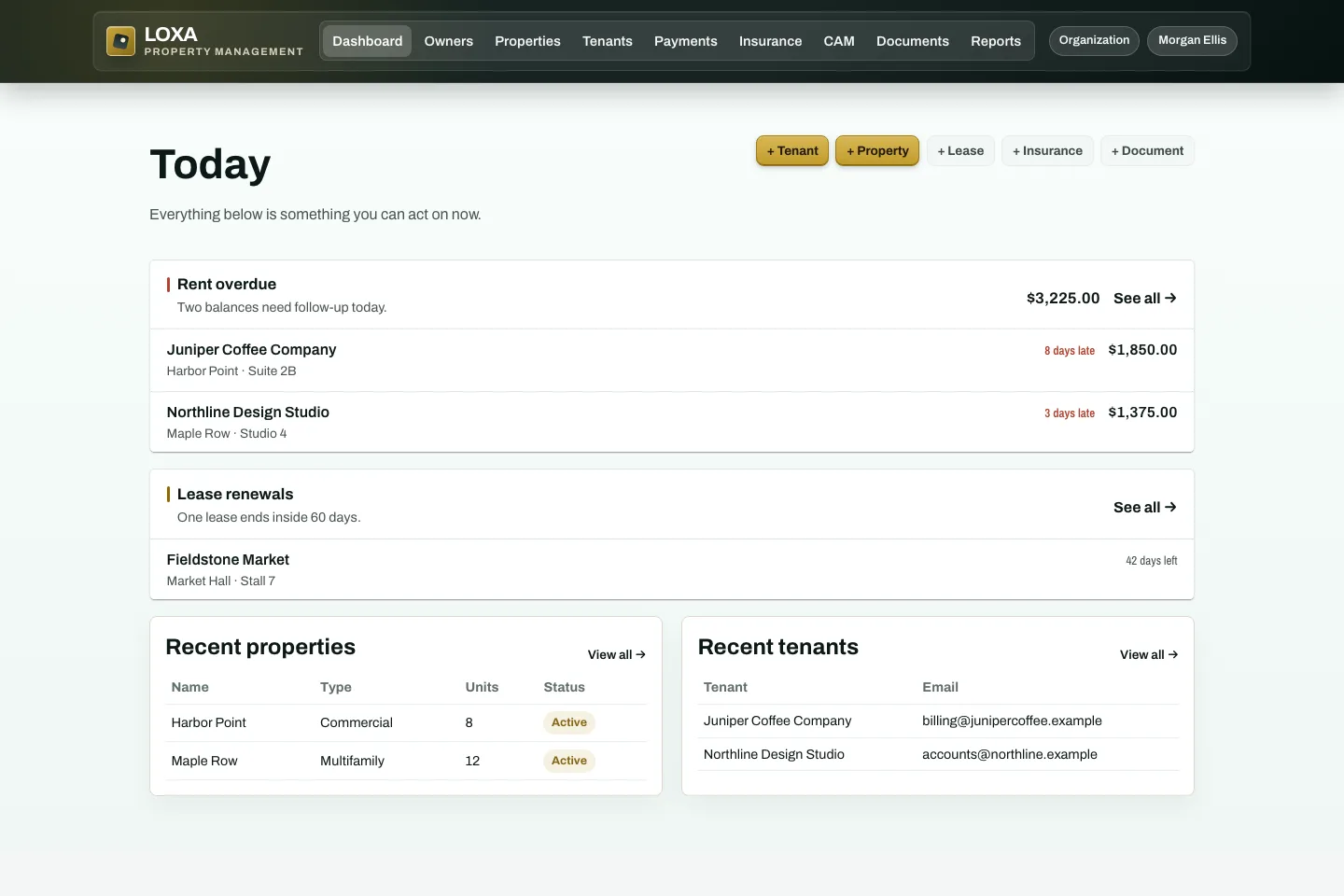
The app already shows onboarding, tenant records, lease workflows, document tools, a tenant portal for balances and files, and reporting surfaces. The site is pointing to visible workflows, not a future roadmap.

Why switch from an accounting-first or patchwork setup?

Because the operational pain is not just bookkeeping. Smaller teams lose time when rent follow-up, lease files, resident communication, and reporting live in different places and have to be rebuilt every month.

When should a buyer start a trial vs. book a demo?

Start a trial if you are replacing spreadsheets or a lightweight stack and want to self-serve setup. Book a demo if you need rollout guidance, pricing help, or internal buy-in for a larger team migration.

Want LOXA to become the operating layer for your portfolio?

Start with your portfolio structure, invite your team, and move billing, leasing, and resident documents into one system.

Create your account